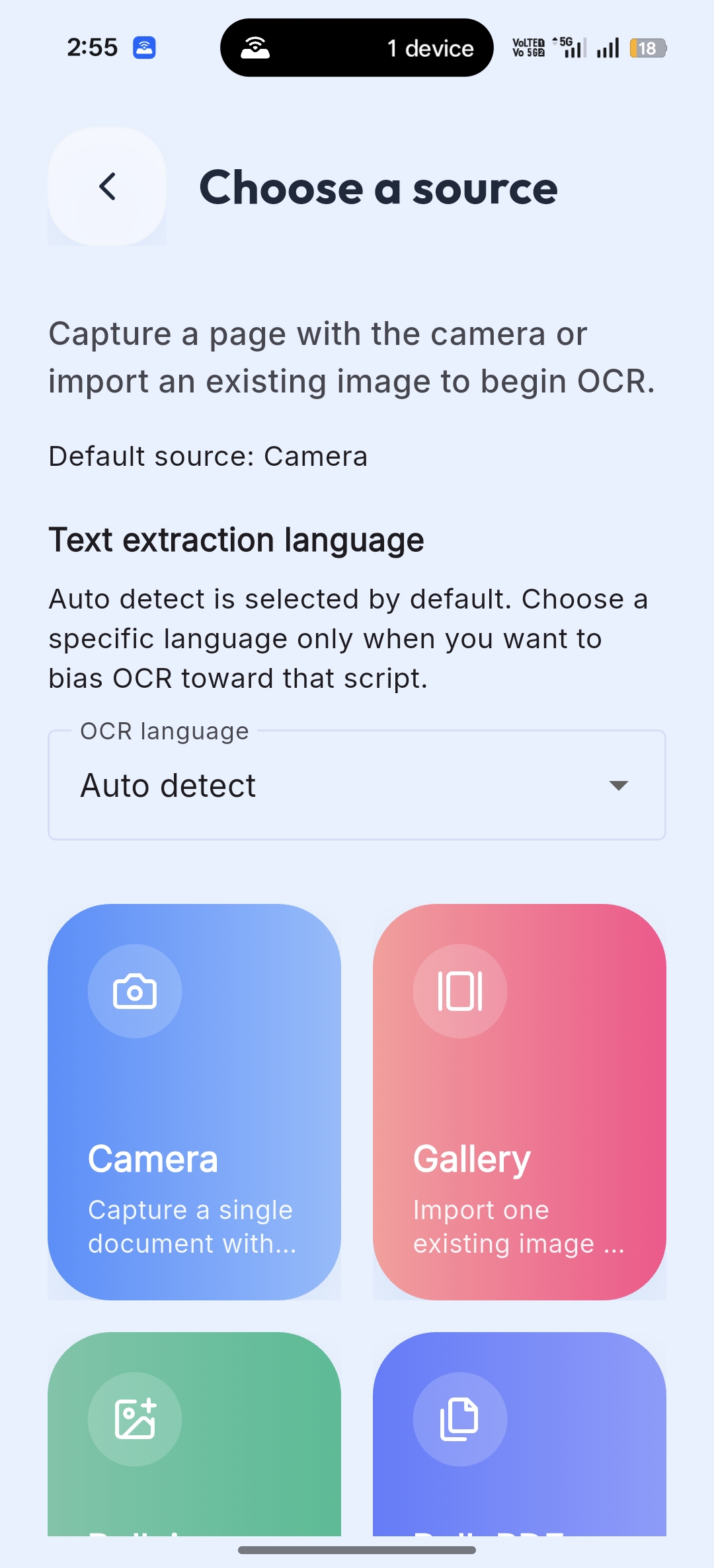
On-Device OCR
Core OCR processing runs on-device using ML Kit. Scans remain on your phone unless you choose to export, share, or enable optional connected services.
NeuroScan combines OCR text extraction, QR and barcode scanning, translation, bulk PDF workflows, searchable local storage, and secure vault protection in one Android app. Core scanning works on-device, with optional connectivity for diagnostics and language-pack downloads when needed.
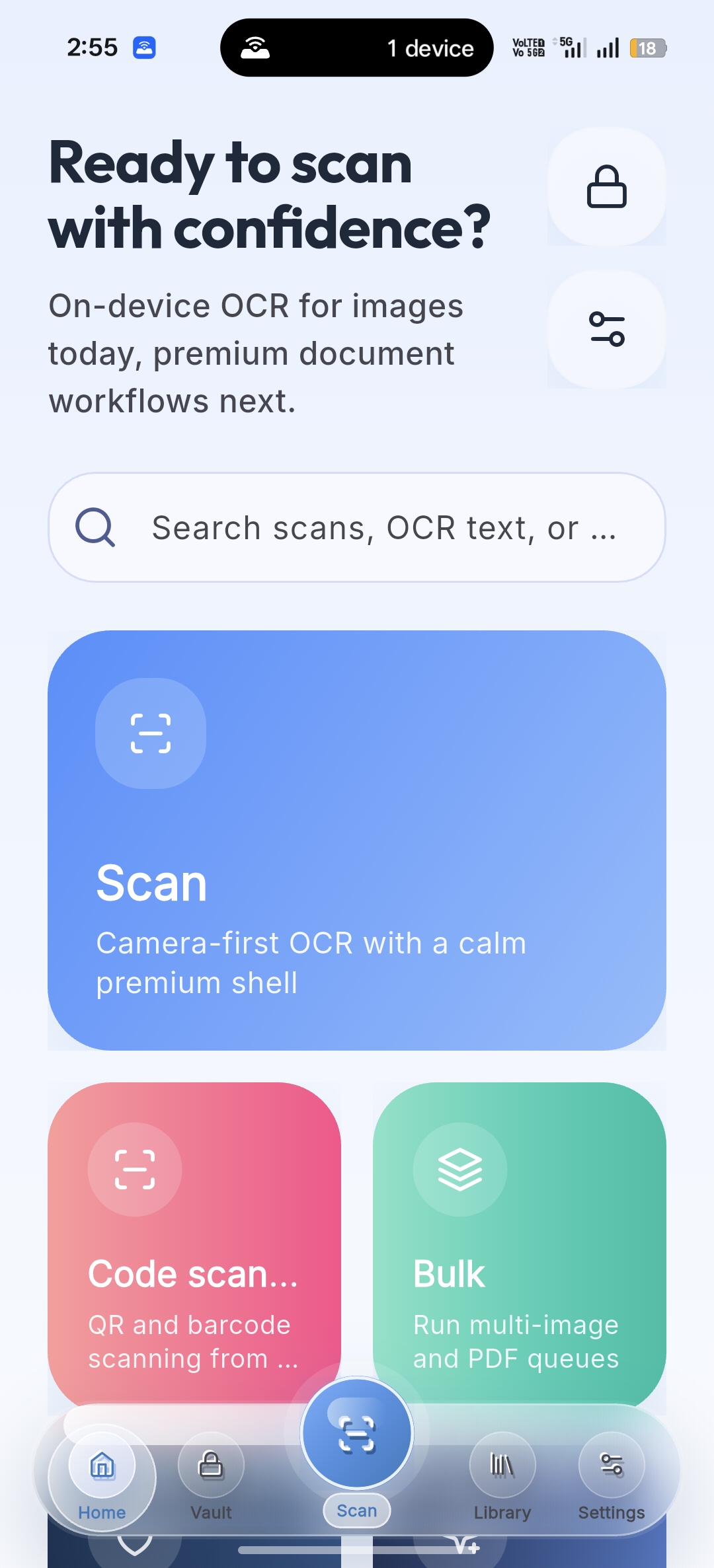
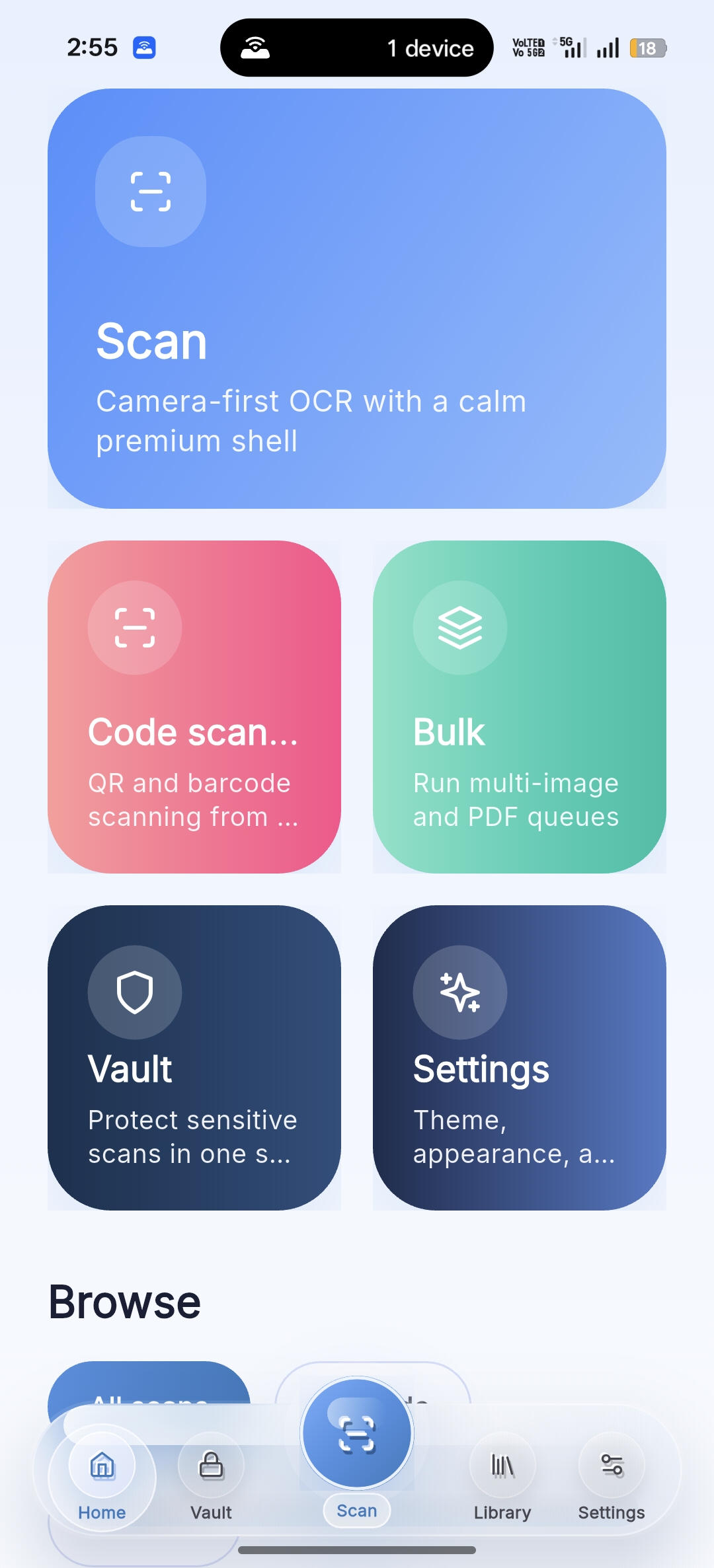
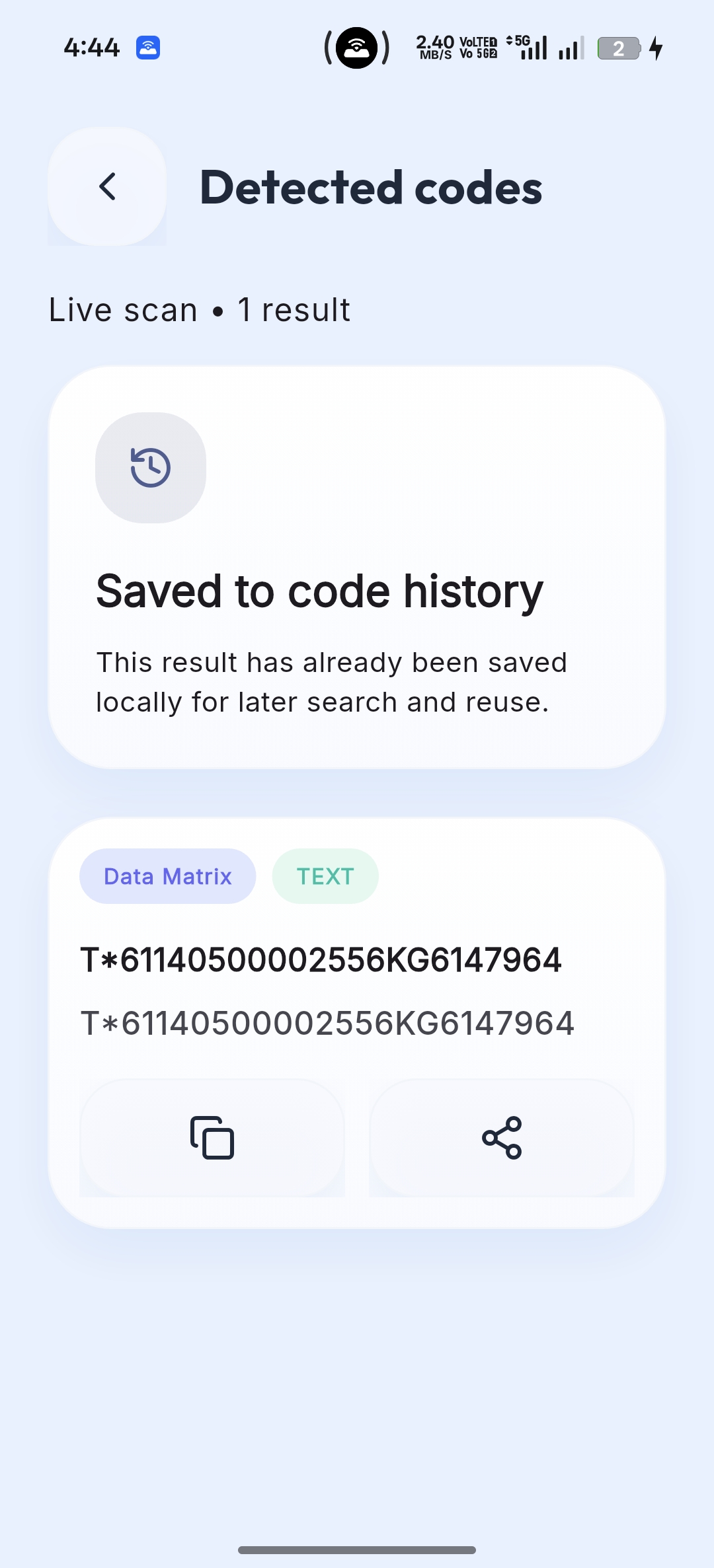
A focused Android utility for people who need text extraction, code scanning, exports, and privacy without hopping between multiple apps.
Core OCR processing runs on-device using ML Kit. Scans remain on your phone unless you choose to export, share, or enable optional connected services.
Pull out useful text and entities fast, then keep them searchable in your local library.
Scan product codes, labels, and QR content from live view or imported images in the same workflow.
Process multiple images or PDF pages, then export TXT or searchable PDF results with less manual work.
Everything in NeuroScan is designed for fast capture, accurate extraction, private storage, and low-friction document workflows on Android.
Capture crisp scans with automatic layout-aware text extraction built for real-world documents.
Detect and decode QR codes and barcodes from live scan screens or imported images instantly.
Process image batches and multi-page PDFs without repeating the same manual scan workflow.
Use auto-detect or selected OCR languages to handle multilingual scans more reliably.
Move sensitive files into a protected vault flow with device-level authentication support.
Save searchable PDFs, TXT exports, and bulk archives for fast handoff and access from your device.
NeuroScan is designed for practical use, whether you are digitizing paperwork, scanning labels, or organizing important text locally on your device.
Handle invoices, receipts, quotations, and office paperwork with fast OCR and export-ready results.
Digitize notes, study material, and printed handouts, then search them locally later.
Capture QR and barcode data from product stickers, packaging, and stock workflows.
Store sensitive IDs and personal documents in a protected vault flow with local control.
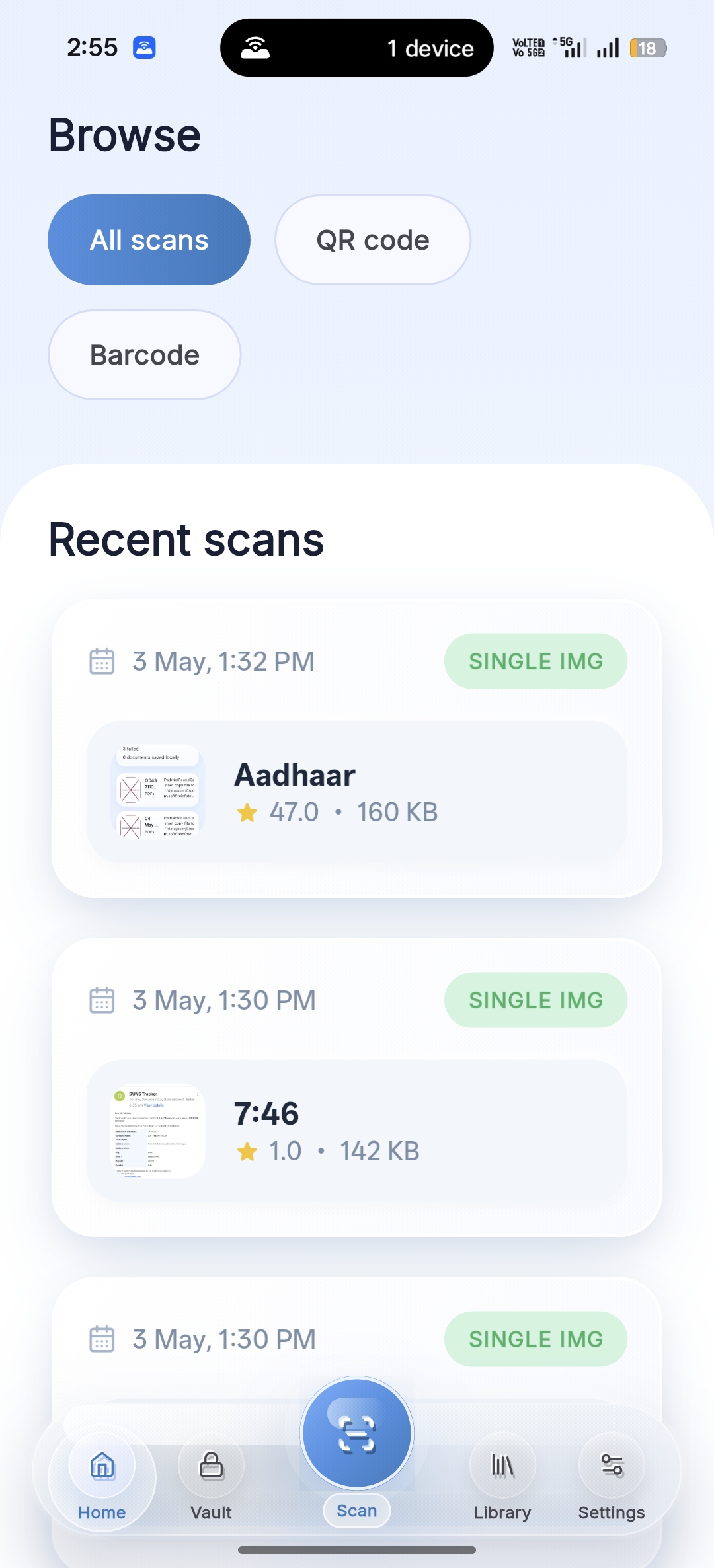
Start with the input you need, extract useful content, then save, translate, protect, or export it in a few taps.
Start from OCR text extraction or QR and barcode scanning, using camera, gallery images, or bulk import flows.
Recognize text, decode QR and barcode values, or translate extracted text using on-device model support.
Sync the result into your library, move sensitive files to Vault, and export TXT, PDF, or ZIP archives when needed.
Understand how NeuroScan handles OCR, QR scanning, bulk processing, translation downloads, exports, and on-device storage before you install it.